Coordinating Cameras with Raspberry Pis
piScanner was a small distributed capture experiment: deploy code, check cameras, trigger work, and collect the images.
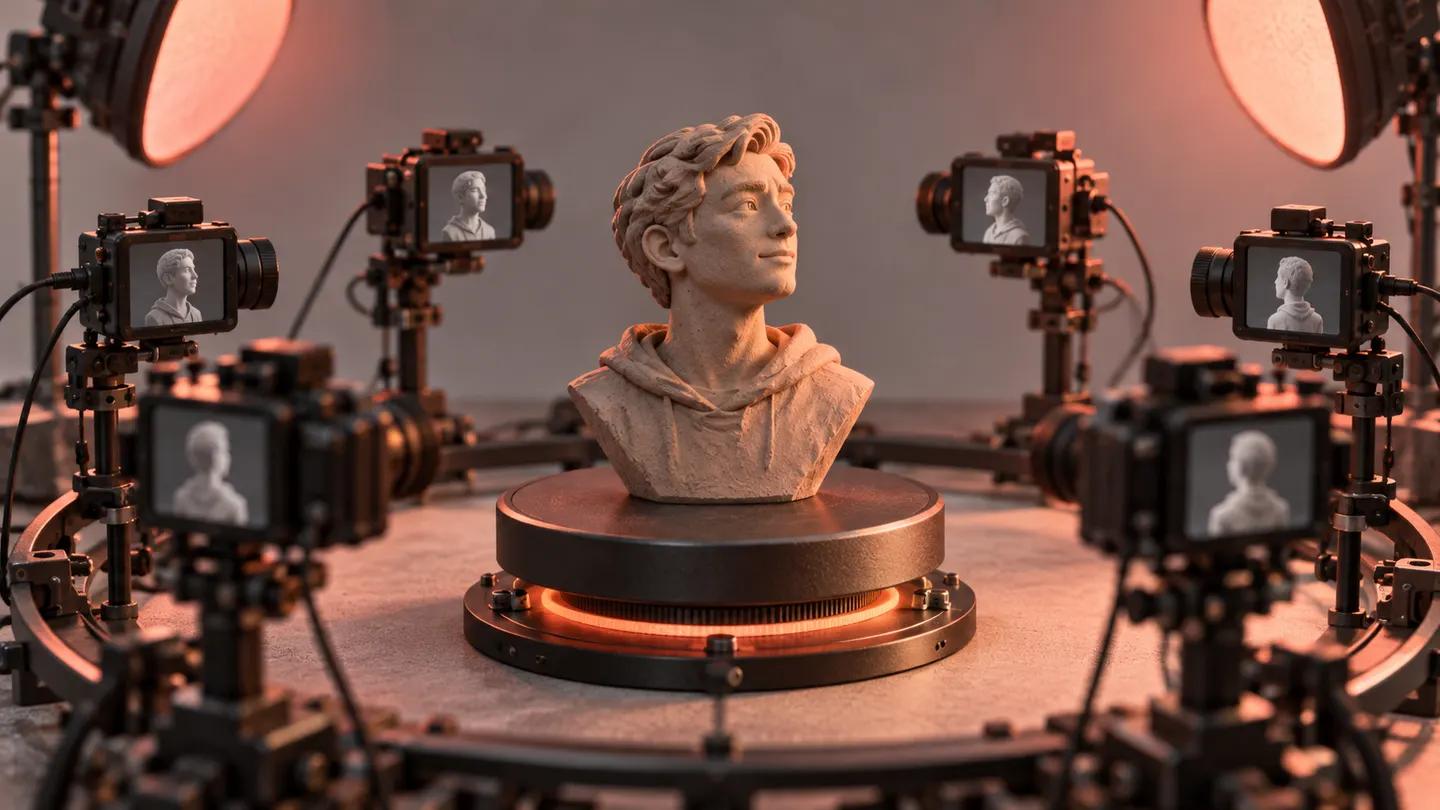
In February 2020, piScanner put several Raspberry Pis into one workflow.
The repository contains coordinating and worker Python scripts, deployment tasks, camera checks, and image-download steps. The README describes preparing the machines, making sure the cameras are operational, running the scripts, and bringing the images back.
This was a hardware experiment, but much of the work looks like a small distributed software system.
Taking a picture is only one step
Once multiple machines are involved, a capture workflow needs more than camera code. They need the right version of the program. The cameras need to be available. Output needs to be collected without confusing one run with another.
The setup used Capistrano to distribute code, while the execution side used Python. February 2 commits include rotation-related work and notes about the process.
The surviving instructions still contain TODOs around parts of orchestration. They support a multi-camera capture project, not a claim that I finished a reliable 3D reconstruction pipeline.
That boundary is useful when looking back. A scanner can sound like one device, but building one from connected computers turns it into a sequence of smaller problems: deployment, readiness, timing, and collection. Years before the newer phone-based motion-capture work, I was already exploring how to get several cameras into a coordinated experiment.
From the project archive · Q1 2020. Written in September 2026 from repository history; the date above marks the project work, not the original publication of this retrospective. Cover art is an illustration.